10 flipbook ideas for business, with the page plan for each
Ten practical ways businesses use flipbooks, from menus and catalogs to programs and reports, with a page plan, sharing tips and honest limits for each.
Flipbook Maker TeamOct 10, 2026 6 min read
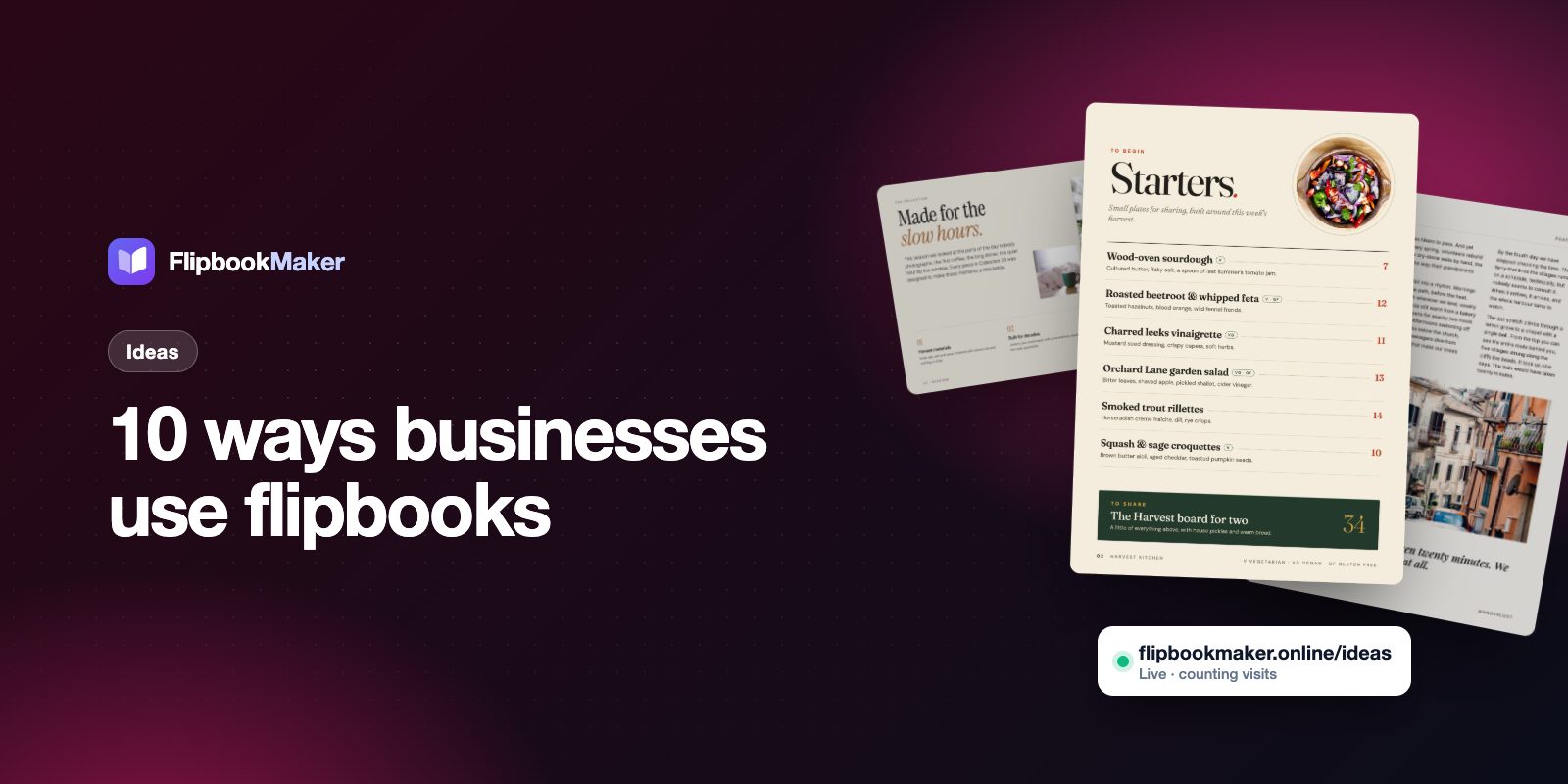
Businesses use flipbooks to share any document people would otherwise get as a heavy PDF attachment: menus, catalogs, brochures, programs, price lists, portfolios and reports. A flipbook opens from one link or QR code in any browser, turns pages like print, and needs no app. Below are ten ideas with the page plan, the best way to share each one, and the limits to know before you start. Every idea works with Flipbook Maker, which is free.
Key takeaways
- A flipbook suits documents people read page by page, such as menus, catalogs, brochures and programs.
- You share one link, a QR code (downloadable as a PNG) or an embed code for your website.
- Pages are images, so there are no tappable links and no text search inside a flipbook. Put phone numbers and web addresses on the page in full.
- A published flipbook can't be swapped for a new PDF. When the content changes, publish a new version at a new link.
- Public flipbooks show the owner daily views: today, the last 7 days and the total.
When a flipbook fits, and when it doesn't
| Use a flipbook when… | Use something else when… |
|---|---|
| The document is designed (photos, layout, branding) | Readers need to search the text or copy it |
| People open it on a phone from a link or QR code | You need clickable links or an order button inside the pages |
| It is a snapshot: an issue, a season, an edition | It changes weekly and must stay at one address |
| You want it to look like the printed version | It is a form or a contract people must fill in |
1. Restaurant and café menus
Print the QR code on tables, windows and takeout bags so guests open the menu on their own phone. Use one page per section (starters, mains, drinks) and put prices in large type. Because a published flipbook can't be swapped, plan how you'll update it: publish the new menu at a new link, or embed the menu on your own website page so the printed QR code can point at that page. Full steps are in our digital menu guide and on the restaurant menu page.
2. Product catalogs and lookbooks
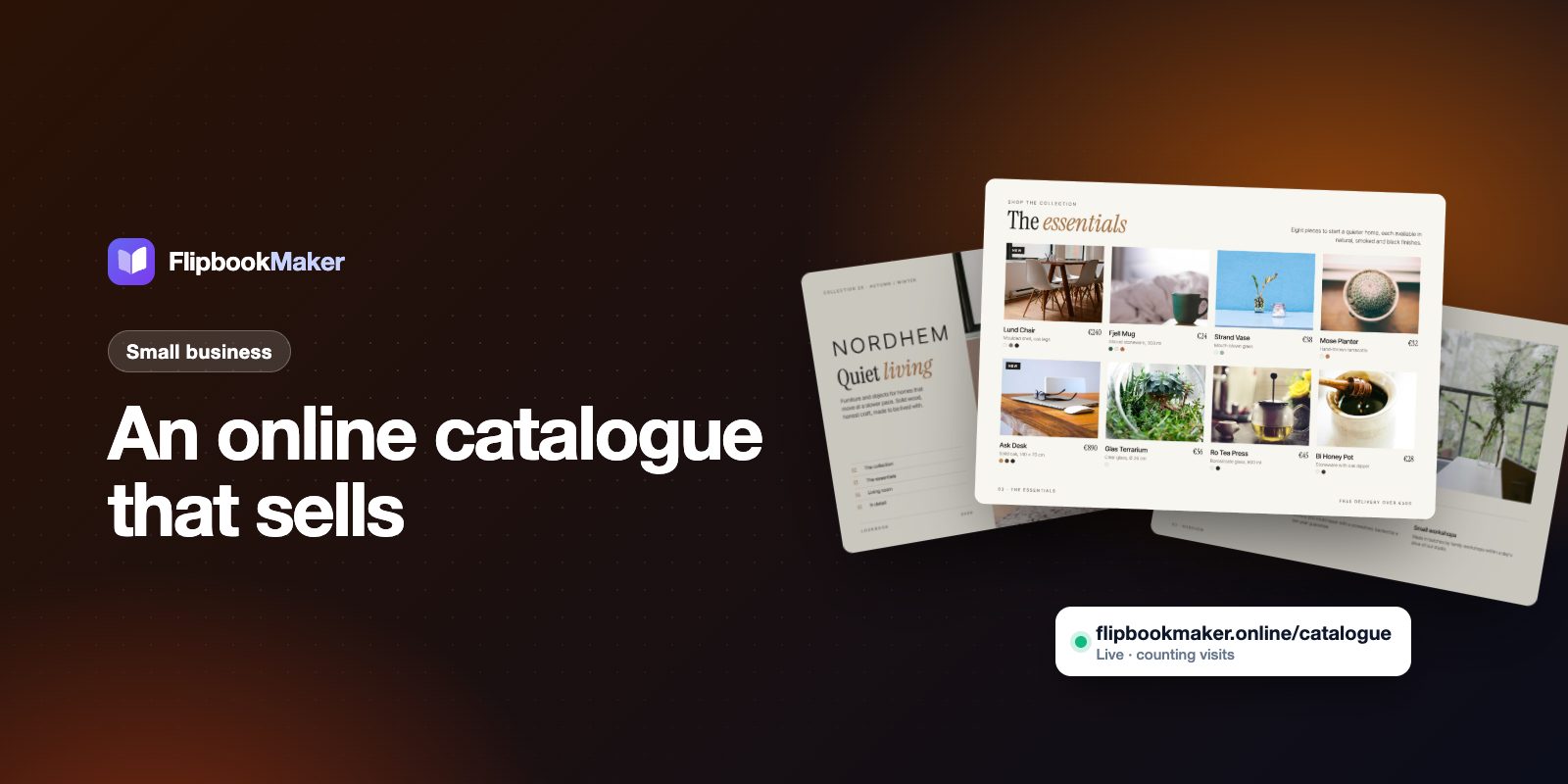
Send buyers one link instead of a large attachment. Give each product a page or half a page, and repeat the product name and code on the page so customers can quote them when they order. Our catalog guide has a page plan, and the holiday gift guide template shows a seasonal version.
3. Property brochures and listing booklets
Real estate agents can publish one flipbook per listing, with photos, a floor plan, the key facts and contact details. For sellers, a longer listing presentation booklet shows your process and results before you sign. See the real estate brochure page.
4. Company profiles and sales decks
A short, well-designed profile makes a strong first impression in a sales email. Keep it to 8–12 pages: who you are, what you do, proof (case studies you can name), and how to reach you.
5. Event programs
Weddings, conferences and concerts can put the schedule, speakers and venue map in a flipbook that guests open from a QR code at the door. Publish it a few days early, and put the start times in large type.
6. Magazines and newsletters
Publish each issue at its own link, such as /spring-issue, and list them on your website as an archive. Start with our guide to making a digital magazine for free. For a school or club, see the school newsletter guide. The digital magazine page has more.
7. Portfolios
Designers, photographers and architects can present work page by page, like a printed book. Lead with your best project, keep captions short, and finish with how to hire you.
8. School and college prospectuses
A prospectus is easier for parents and students to open from a link than as a large PDF download. Put the key dates and the admissions contact on the first pages. For yearbooks, see how to make a yearbook in Canva and the yearbook page.
9. Price lists and rate cards
Share the link in your messages or email signature so customers can open your prices on their phone. Write the date on the first page, and publish a new flipbook when prices change. Since old links keep working, say "prices valid until" on the page so nobody uses a stale list.
10. Annual reports and impact reports
Turn a long report into something stakeholders will page through. Open with a one-page summary, use large charts, and keep the full figures in a table the reader can zoom into.
How to make any of these
- Design the document in a tool you know: Canva, Google Docs, Word, or a design app. Export it as a PDF with one page size throughout.
- Drop the PDF into Flipbook Maker. It converts in your browser, so nothing is uploaded until you publish. See PDF to flipbook for the options.
- Create the flipbook, flip through it and check the cover and page order.
- Sign in with a free account, choose a link such as
yourbusiness-spring-menu, and add your business name, logo and contact details. - Share the link, print the QR code, or embed it on your website.
For a comparison with other tools, see best free flipbook makers. If you are checking for watermarks, read free flipbook maker with no watermark.
What flipbooks can't do
- No clickable links, buttons or forms inside the pages. Print the full address or add a QR code to the page.
- No text search and no text for screen readers or Google inside the pages.
- No download or print button for readers.
- No password or lead-capture form. A public flipbook can be opened by anyone with the link. Use private while you proof it.
- No video or audio inside the pages.
FAQ
What kinds of business documents work best as a flipbook?
Designed documents that people read from the first page to the last: menus, catalogs, brochures, programs, portfolios and reports. Documents people must search, fill in or sign are better as web pages or forms.
Do customers need an app or an account to open one?
No. The link opens in the phone's browser. Readers don't sign up and don't install anything.
How do customers find it?
You share it: by link, QR code, email, social posts or the embed code on your website. Published flipbooks are kept out of Google search, so don't count on search traffic for the flipbook itself.
Can I update a flipbook after publishing?
You can edit its title, link, details and background. You can't replace the PDF itself. To change the pages, publish a new flipbook and share the new link.
Is it really free for business use?
Yes. There are no paid plans. Readers see a small "Made with Flipbook Maker" badge next to the book, and your pages carry no watermark.
Summary
Pick one document you already have, export it as a PDF and publish it in a few minutes. Start with a menu, a catalog or a brochure, then add the rest once you see how readers use the first one. Open Flipbook Maker to try it with your own file.