Free flipbook maker with no watermark: a checklist and a 5-minute test
Watermarks, viewer branding, badges and ads are different things. Here's what to check on a free plan, and how to test what your readers will really see.
Flipbook Maker TeamOct 11, 2026 6 min read
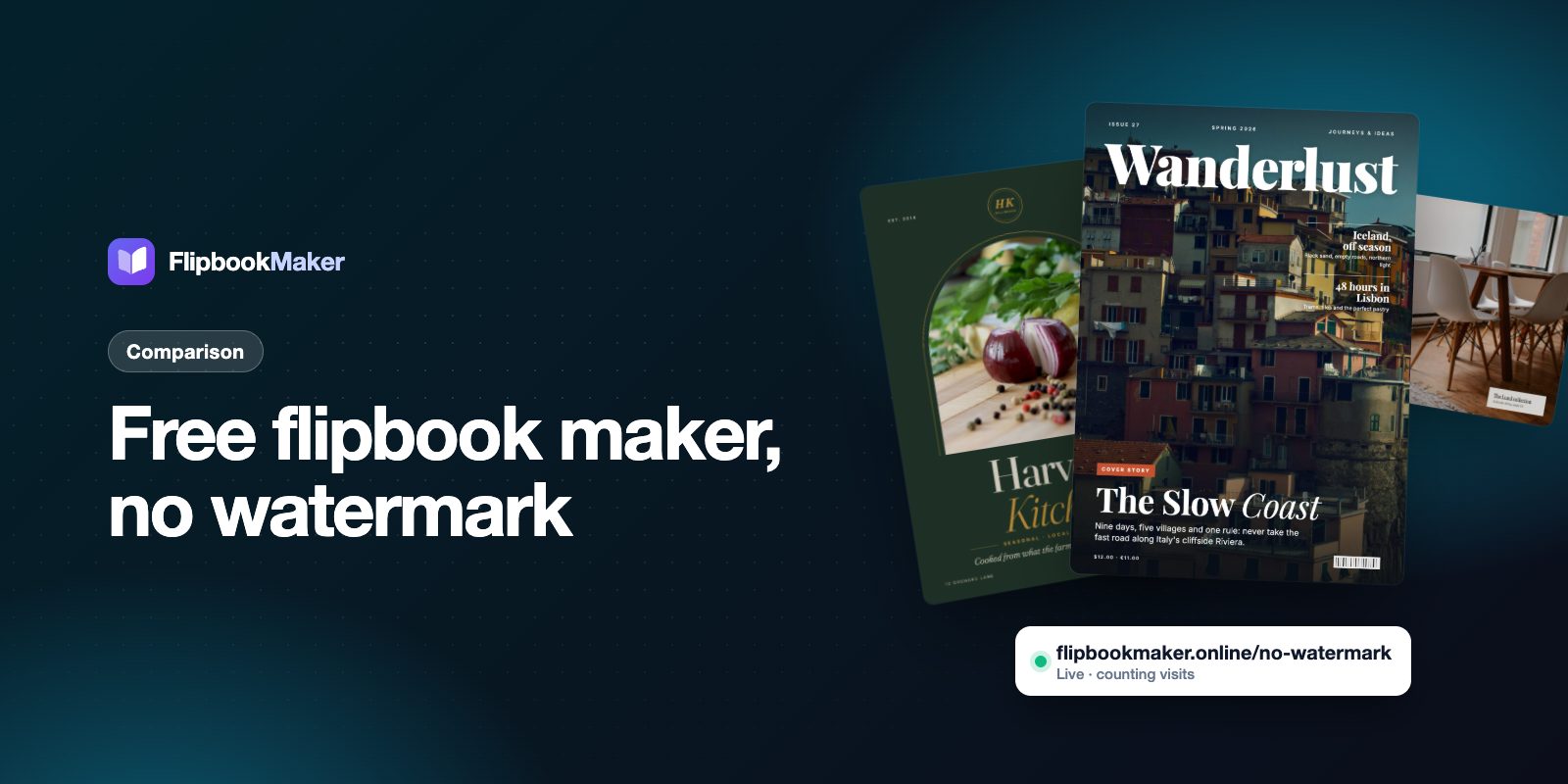
A free flipbook maker with no watermark publishes your pages exactly as you designed them, with no logo or text stamped over them. Many free plans add a watermark, a "Powered by" bar, ads or a page cap, and some only show it after you publish. Below is a checklist of what to look for, and a 5-minute test that shows what your readers will really see before you commit to a tool.
Key takeaways
- A watermark is stamped on your pages. Branding sits around them: a logo in the toolbar, a "Powered by" link or a badge. Free plans often have one or both.
- Check four more things on a free plan: page limits, book limits, ads, and how long books stay online.
- The only reliable test is to publish a sample and open the link in a private window on your phone.
- Flipbook Maker puts no watermark on your pages. Readers see a small "Made with Flipbook Maker" badge next to the book, and there are no paid plans to remove it.
Watermark, branding and ads: what's the difference?
Vendors use these words differently, so it helps to separate them:
| What you might see | Where it appears | Example |
|---|---|---|
| Watermark | On top of your pages | A logo or text printed over every page or download |
| Viewer branding | Around the book | The tool's logo in the toolbar, or a "Powered by" link under an embed |
| Badge | Next to the book | A small "Made with…" label that links to the tool |
| Ads | Around or between pages | Third-party ads shown to your readers |
A watermark on your pages is the one that hurts most: it's on every page your customers read. Viewer branding and badges are smaller, but they still send readers to someone else's site. Ads can show a competitor's offer next to your menu or catalog.
For a dated comparison of what each free plan adds, see free flipbook makers compared. It was checked on each vendor's own pricing page.
The checklist
1. No watermark on your pages
Your brochure or menu represents your business. Check a published sample, not the editor preview, since some tools only add the watermark to the published version or to downloads.
2. No ads around your book
Read the free plan on the pricing page for words like "ads", "ad-supported" or "remove ads". If removing ads costs money, readers on the free plan see them.
3. Enough pages and books
Free plans often cap pages per book (some at 10 or 15) or the number of books you can keep. A 24-page catalog or a monthly newsletter can outgrow a small cap quickly. Check both numbers.
4. Books that stay online
Some free plans remove books after a set time, or remove the oldest one when you add a new one. If you print a QR code, the link must keep working.
5. A link you can share and remember
You should get a clean link you can paste anywhere and turn into a QR code. Ideally you can name it, like /spring-menu, rather than getting a random string.
6. Works on phones
Most readers open a flipbook on a phone. Check that pages are readable and that turning pages works with a swipe or tap on a small screen.
7. Your details, not just theirs
Look for a way to add your own logo, website, phone and email, so readers can reach you instead of the tool.
8. Know what's missing
Free plans often leave out clickable links, downloads, password protection, custom domains and detailed stats. Decide which of these you need before you choose.
The 5-minute test before you commit
- Publish a short sample. Use a 4–6 page PDF with small text and a photo.
- Open the share link in a private (incognito) window. You'll see what a reader who isn't signed in sees, including any watermark, ads or sign-up prompts.
- Open it on your phone. Turn a few pages and zoom in on the small text.
- Try the embed code on a test page if you'll put the book on your website. Branding often shows in embeds even when the link looks clean.
- Read the free plan's limits on the pricing page: pages, books, storage, ads and how long books stay online.
If anything in steps 2–4 surprises you, it will surprise your readers too.
How Flipbook Maker handles it
Since this is our tool, here's the plain list:
- No watermark on your pages, on the share link or in the embed.
- A small "Made with Flipbook Maker" badge shows to readers next to the book, not on the pages. There's no paid plan to remove it, because there are no paid plans.
- No ads for your readers.
- Your own link such as
flipbookmaker.online/spring-menu, with a QR code (PNG) and an embed code. - Up to 300 pages and a 100 MB PDF per book, and no cap on the number of books with a free account.
- Your details in the reader: name, tagline, logo, website, phone and email.
- Daily views for each public book (today, the last 7 days and the total).
What it doesn't do: no clickable links or text search inside books (pages are stored as images), no download or print button for readers, no password, no custom domain, and you can't swap the PDF while keeping the same link.
FAQ
Is there a free flipbook maker with no watermark?
Yes. Some free plans add no watermark to your pages. Flipbook Maker is one of them; it shows a small badge next to the book instead. Check each tool by publishing a sample and opening the link in a private window.
What's the difference between a watermark and branding?
A watermark is stamped on your pages. Branding sits around them, for example a logo in the viewer's toolbar, a "Powered by" link or a badge next to the book.
Why does my flipbook show a watermark only after publishing?
Some tools add the watermark to the published or downloaded version, not to the editor preview. Always check the published link in a private window.
Can I remove the "Made with Flipbook Maker" badge?
No. There are no paid plans, and the badge can't be turned off. It sits next to the book, not on your pages.
Will my free flipbook stay online?
On Flipbook Maker, a published book has no time limit: it stays at its link until you delete it (or it is removed for breaking the terms). On other tools, check the free plan's terms for time limits or limits on how many books you can keep.
Summary
"No watermark" is only part of the picture. Check for ads, page and book limits, how long books stay online, and what readers see in a private window and in an embed. To see it for yourself, publish a sample with Flipbook Maker and open the link on your phone.