Listing presentation booklet: a 14-page plan that helps you win the listing
What goes on each page of a listing presentation booklet, how it differs from a listing brochure, and how to send it to a seller as a page-turning flipbook before the appointment.
Flipbook Maker TeamOct 22, 2026 7 min read
A listing presentation booklet is the printed or digital document a real estate agent gives a home seller to win the listing: who you are, how you'd price and market the home, what it costs, and what happens next. The best ones are short (12–16 pages), specific to that one house, and in the seller's hands before you arrive. Below is a 14-page plan you can build in Canva, Word or Keynote, and the steps to send it as a page-turning flipbook link with Flipbook Maker.
Key takeaways
- A listing presentation booklet is for the seller. A listing brochure is for buyers. Don't mix the two.
- Keep it to 12–16 pages, and make at least a third of them about this home: the pricing, the comparable sales, and the marketing plan.
- Put your fees and what they cover on their own page. Agent compensation is negotiable, so state yours plainly.
- Send it before the appointment as a link, then use the meeting for questions instead of reading slides aloud.
- A flipbook link works on any phone. Our tool keeps your pages as images, so links inside it aren't clickable. Put your phone number and email on the page itself.
Listing presentation booklet vs listing brochure
They sound alike, but they do different jobs.
| Listing presentation booklet | Listing brochure | |
|---|---|---|
| Reader | The homeowner deciding which agent to hire | Buyers looking at the home |
| When | Before or at the listing appointment | After the home is on the market |
| Goal | Win the listing | Get showings and offers |
| Content | You, your pricing analysis, marketing plan, fees, timeline | Photos, rooms, floor plan, features, price |
If you're looking for the buyer-facing version, see real estate brochures as flipbooks. This post is about the seller-facing booklet.
The 14-page listing presentation booklet template
Use this as a starting order. Cut pages that don't fit your market rather than padding them.
- Cover. The seller's address, a photo of the home's front (yours, or the seller's if they shared one), your name and brokerage. A booklet with their address on the cover is clearly made for them, not copied from a template.
- A short letter. Three or four sentences: thank them for the meeting, say what you'll cover, and sign it.
- About you. A photo, how long you've worked the area, and what you focus on. Keep it to one page.
- Your recent results. Homes you've listed or sold nearby, with addresses or neighborhoods and dates. Only include sales you can back up with your MLS records.
- What the seller told you. Their goals in their words: timing, price hopes, whether they've bought the next home. This shows you listened on the first call.
- The local market right now. Days on market, price trends and inventory for their area, with the source and date of each number.
- Comparable sales. Three to six recent sales and active listings, with photos, size, beds and baths, and sold price.
- Your suggested price range. The range, and the reasoning in plain words. Show how you got there from the comps.
- How you'll prepare the home. Repairs, staging, cleaning, and who does what before photos.
- Your marketing plan. Photography, floor plan, the listing description, where it will be shared, open houses, signage, and the buyer-facing brochure you'll make.
- How you'll keep them updated. How often you'll report, and what you'll report: showings, feedback and offers.
- Fees and what they cover. Your commission or fee, what's included, and what isn't. More on this page below.
- Timeline. From signing the listing agreement to closing, with rough week-by-week steps.
- Next steps and contact. What to sign, what you need from them, and your phone, email and office address in large type.
Put the "seller's goals" page before the pricing pages. Sellers read your price far more calmly once they've seen you understood what they need.
The fees page: what to say after the 2024 rule changes
Since August 17, 2024, offers of compensation to buyer agents are no longer allowed on MLS platforms, as the National Association of REALTORS® explains on its settlement facts page. The same page says sellers can still offer compensation off the MLS, and that agent compensation "continues to be fully negotiable."
That makes a clear fees page more useful than ever. On it:
- State your fee as a percentage or a flat amount.
- List what it includes, for example photography, a floor plan, staging advice, the brochure, open houses and negotiation.
- Explain the seller's options on buyer-agent compensation and any buyer concessions, as your brokerage and state rules allow. Have your broker check this page.
- Say that the fee is negotiable, and that you're happy to talk it through.
Rules differ by state and brokerage, so this page is the one to review with your broker before every season. Don't copy wording from another agent's booklet.
What to leave out
- Generic statistics you can't source. If a number has no source and date, cut it.
- Ten pages about your brokerage. One page is plenty. The seller is hiring you.
- Testimonials you didn't collect. Use only real reviews, with the client's permission.
- A single exact price. Give a range and the reasoning. You'll set the list price together.
How to make the booklet
Any tool that exports a PDF works:
- Canva: search its templates for "listing presentation", set the page size, then select Share → Download → PDF Standard. Our Canva to flipbook guide has the full steps.
- Word or Google Docs: use one section per page and insert page breaks. Then select File → Save As and choose PDF in Word, or File → Download → PDF in Google Docs.
- Keynote or PowerPoint: slides at 16:9 export as landscape pages, which turn nicely as a two-page spread on a laptop.
Use the same page size on every page. Portrait Letter or A4 is easiest to read on a phone.
How to send it as a flipbook link
A PDF attachment is easy to ignore and awkward to open on a phone. A flipbook opens from a link and turns like a real booklet.
- Go to Flipbook Maker and drop in your PDF. It converts in your browser, and nothing is uploaded until you publish.
- Select Create flipbook and page through it. Check that every number and phone number is readable at phone size.
- Select Share & get a link and sign in with a free account. Choose a link such as
flipbookmaker.online/12-oak-street-plan. - In the book's details, add your name, a tagline (your brokerage works well), phone, email, website and logo. They appear in the reader around the book.
- Text or email the link to the seller a day or two before the appointment, then bring a printed copy.
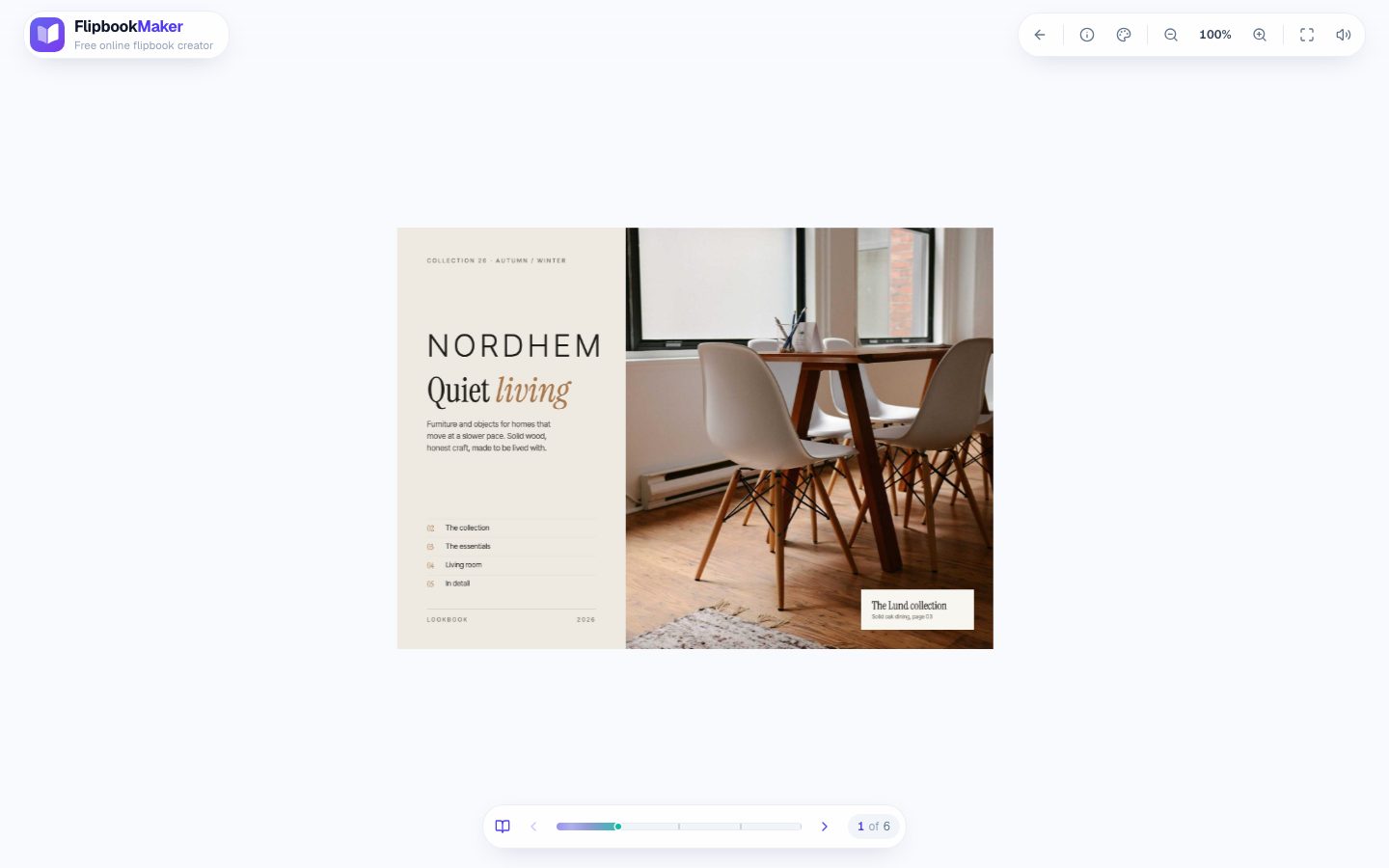
Nordhem, a made-up home-furnishings lookbook from our examples, in the reader on a laptop (October 2026). A listing presentation turns the same way, with your details in place of ours.
After you send it, the book's stats show daily views (today, the last 7 days and the total), so you'll see whether it was opened. You won't see who opened it or which pages they read.
What a flipbook booklet can't do
Be clear about the limits before you rely on it:
- Links on the pages aren't clickable, because each page is stored as an image. Write your phone number and email on the page, and add them to the book's details.
- Readers can't download or print it from the reader. Bring printed copies to the appointment.
- There's no password. A public book can be opened by anyone with the link, but it's kept out of Google search. Don't put the seller's private financial details in it.
- You can't swap the PDF and keep the link. If the price analysis changes, publish a new book with a new link.
FAQ
What is a listing presentation booklet?
It's a document a real estate agent gives a home seller before or during the listing appointment. It covers the agent's background, a pricing analysis with comparable sales, the marketing plan, fees and the timeline to closing.
How many pages should a listing presentation be?
Most work best at 12–16 pages. Spend at least a third of them on the seller's home: comparable sales, the price range and the marketing plan.
Should I send the listing presentation before the appointment?
Sending it a day or two ahead lets the seller read it in their own time and come with questions. The meeting can then be about their questions instead of you reading pages aloud.
What's the difference between a listing presentation and a listing brochure?
A listing presentation is for the seller and aims to win the listing. A listing brochure is for buyers and shows the home's photos, rooms and features once it's for sale.
Are real estate commissions negotiable?
Yes. The National Association of REALTORS® says agent compensation "continues to be fully negotiable." Your fees page should say so and explain what your fee covers.
Can I make a listing presentation flipbook for free?
Yes. Flipbook Maker is free, with no paid plans. Building a flipbook needs no account; publishing a link needs a free account. Each book can have up to 300 pages and a 100 MB PDF.
Summary
A listing presentation booklet wins listings when it's short, specific to the seller's home, and honest about price and fees. Build the 14 pages above in the tool you already use, export a PDF, and send it as a free flipbook link before you knock on the door.