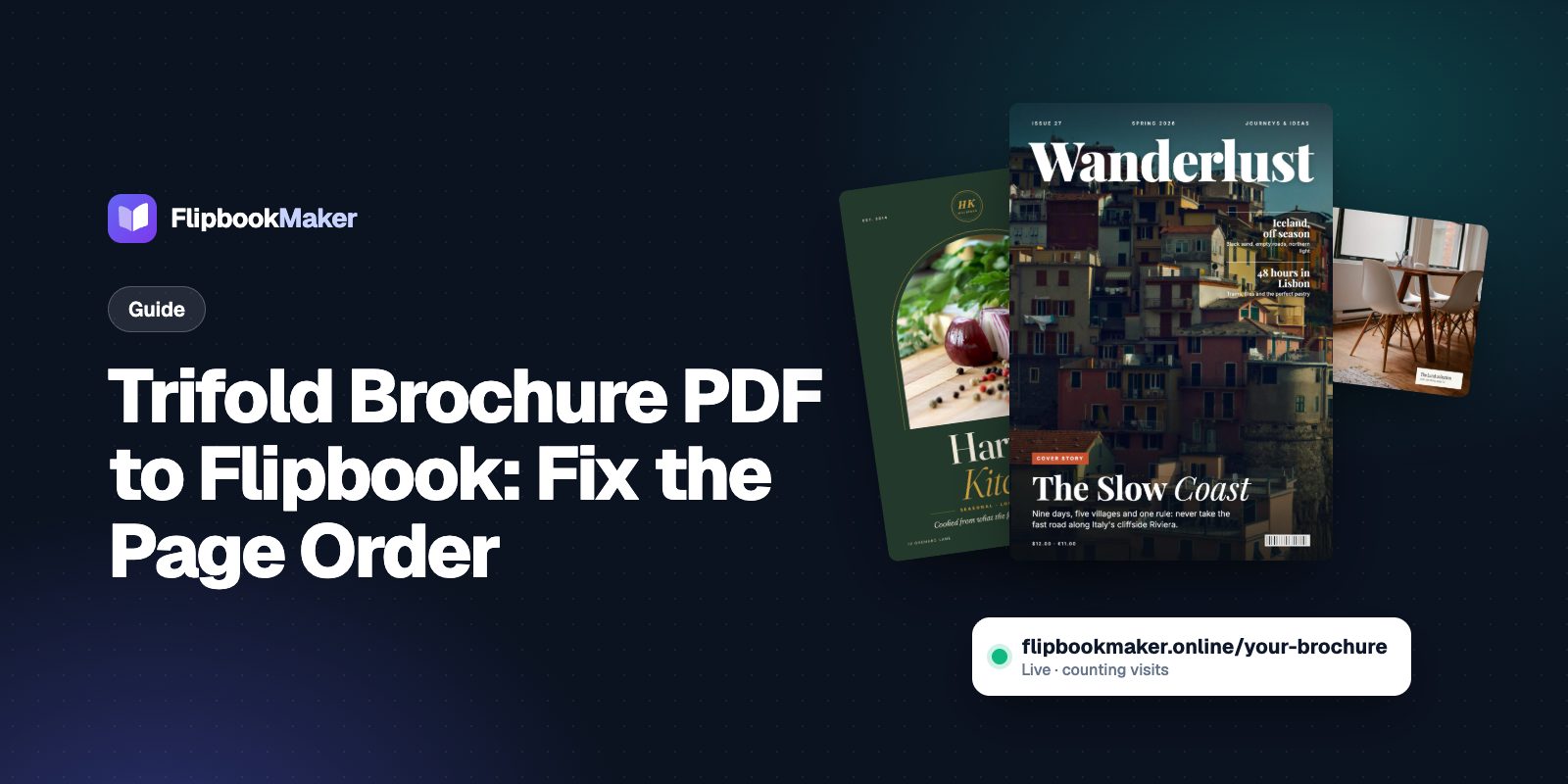
Trifold brochure PDF to flipbook: how to fix the page order
A trifold PDF usually has two sheets of three panels, which reads out of order in a flipbook. Here is how the six panels map to six pages, how to export them, and how to share the result.
Flipbook Maker TeamNov 11, 2026 5 min read
A trifold brochure PDF usually holds two sheets, each with three panels side by side, so it reads out of order if you upload it as is. For a flipbook, turn the six panels into six single pages in reading order: front cover, inner flap, the three inside panels, then the back cover. Below is how the panels map to pages, how to get single pages out of your design tool, and how to publish and share the brochure with Flipbook Maker.
Key takeaways
- A trifold has six panels on two sheets: three outside, three inside.
- Upload six single pages in reading order, not two wide sheets.
- On the outside sheet, the left-to-right order is inner flap, back cover, front cover. A flipbook should start with the front cover instead.
- Use the digital version of your file, without crop marks or bleed.
- Flipbook pages are images: no tappable links. Print the web address and phone number in full, or add a QR code image.
How the six panels are laid out
The University of Florida's extension communications team describes the outside of a trifold as three columns, left to right: the inner flap, the back cover and the front cover. The inside is three body panels. The same page says the back cover should carry the call to action and contact details, such as a web address or phone number, and that the inner flap extends the front cover (UF/IFAS Communications).
That layout is made for folding paper. On a screen, readers should meet the panels in the order they would on paper: open the cover, see the flap, read the inside, turn it over to the back.
The page order to use in a flipbook
| Flipbook page | Panel | What it should do |
|---|---|---|
| 1 | Front cover | Name, one image, the reason to open it |
| 2 | Inner flap | A short intro that continues the cover |
| 3 | Inside, left | The first main point |
| 4 | Inside, middle | The main message, or your services or menu |
| 5 | Inside, right | Proof, details or prices |
| 6 | Back cover | Contact details and the next step |

A sample magazine (not a trifold) in the reader, November 2026: the first page shows alone, like a front cover.
With six pages, the front cover shows alone, pages 2 and 3 and pages 4 and 5 open as spreads on a laptop, and the back cover shows alone. On a phone, readers see one page at a time.
Step 1: Get six single pages
Flipbook Maker turns each page of your file into a flipbook page. It does not split or crop a wide sheet into panels. So each panel must be its own page before you upload. Pick the route that matches your file:
- Best: rebuild the panels as separate pages. In your design tool, make each panel its own page at the same portrait size, then export the six pages as one PDF. This gives the cleanest result.
- If you only have the two-sheet PDF: export or crop each panel as its own image (JPG or PNG) in an image editor, and name them
1,2…6in the order above. Flipbook Maker accepts several images and combines them into one book; check their order in the file list, and drag them to reorder if needed. - Skip the print file. Print PDFs often carry bleed and crop marks that look odd on a screen. Export the digital version instead.
Step 2: Publish it
- Open Flipbook Maker and drop in the PDF or the six images, in order. Conversion happens in your browser, and nothing is uploaded until you publish.
- Open Page options if you want a fixed page size. Auto uses the proportions of the first page.
- Select Create flipbook, and flip through it. Check that the front cover is first and the back cover is last.
- Select Share & get a link and sign in with a free account.
- Choose a link such as
yourbusiness-brochure, and add your business name, logo and contact details.
Step 3: Share it
- Email signature and messages: paste the link.
- Print: download the QR code PNG from the share panel and put it on the paper brochure, so readers can pass on the digital one.
- Website: show it with the embed code.
- Events: put the QR code on signs and table cards.
What a flipbook brochure can't do
- No tappable links or buttons inside the pages.
- No text search or text for screen readers inside the pages. Send key details as text in the message or on your website too.
- No download or print button for readers.
- No swapping the PDF after publishing. To change prices or dates, publish a new flipbook and share the new link.
FAQ
How do I turn a trifold brochure PDF into a flipbook?
Split the design into six single pages in reading order (front cover, inner flap, three inside panels, back cover), save them as one PDF or six images, and upload them to Flipbook Maker. Then publish with a free account to get a link and a QR code.
Why does my trifold look out of order in the flipbook?
Most trifold PDFs have two wide sheets. The outside sheet runs inner flap, back cover, front cover from left to right, so the flipbook shows them in the wrong sequence. Use six single pages instead.
Can I use the PDF I sent to the printer?
It's better to export a digital version. Print files often include bleed and crop marks. If you only have the print file, crop each panel as an image first.
Can I put clickable links in the brochure?
No. Pages are images, so links aren't tappable. Write the address in full, and add a QR code to the page.
Can I update the brochure after publishing?
You can edit its title, link and details, but not the pages. Publish a new flipbook for new content.
Is it free?
Yes. There are no paid plans. Readers see a small "Made with Flipbook Maker" badge next to the book, and your pages carry no watermark.
Summary
Treat a trifold as six pages in reading order, not two wide sheets. Rebuild or crop the panels, publish the brochure as a flipbook, and put the QR code on the paper copy. For more ideas, see 10 flipbook ideas for business.